

Ever wondered How do cloud save systems keep game progress synced across devices without turning your inventory into a scrambled mess? If you’ve ever paused on your console, picked up your phone, and resumed right where you left off, you’ve witnessed a tidy choreography of uploads, timestamps, and a sprinkle of digital diplomacy. Let’s gossip about what happens backstage.
Why cloud saves matter and why players love them
Cloud save systems do one simple, glorious thing, they make your game progress portable. No more “sorry, that save is on my old laptop.” For US players juggling consoles, PCs, and handhelds, cloud saves mean freedom, and fewer rage quits when a system update nukes a local file.
READ MORE: Microsoft Gaming Console 2025: Inside the Exciting New Rumors🎮
How do cloud save systems keep game progress synced across devices? The sync choreography
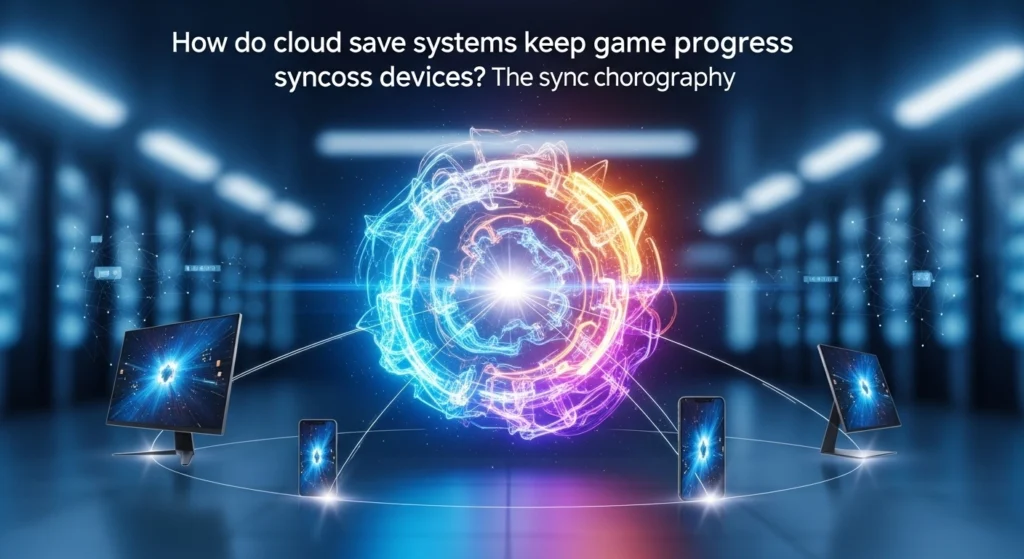
The game writes a local save, the platform uploads it to secure servers, and other devices download the latest version when needed. That sounds obvious, but the real charm is in the details.
Most systems use event-driven syncs. When you hit a checkpoint, complete a quest, or quit the game, the client flags the save as “updated.” That triggers an upload to the cloud. The next device checks for newer timestamps or version IDs before loading a save, so you get the freshest file. Platform ecosystems (think Steam Cloud, Xbox Live, PlayStation Network) also rely on standard data formats to make sure a save created on one device is readable on another.
Conflict resolution – when two saves fight over glory 🥊

Drama happens. Maybe you played offline on a plane and then jumped to a Wi-Fi-enabled PC. The cloud now sees two different save versions. So who wins?
READ MORE: Is the Nintendo Switch 2 the Gaming Grail We’ve Been Waiting For? 🎮
Platforms handle this with conflict resolution rules. Common strategies:
- Last-write-wins: the newest timestamp takes precedence.
- Merge: for certain data (like inventories), systems combine changes.
- User choice: sometimes you’re asked which save to keep.
Good cloud save systems add metadata, timestamps, device IDs, and checksums, to make the decision smarter, not just faster.
Security and reliability – keeping your hours (and loot) safe 🔐
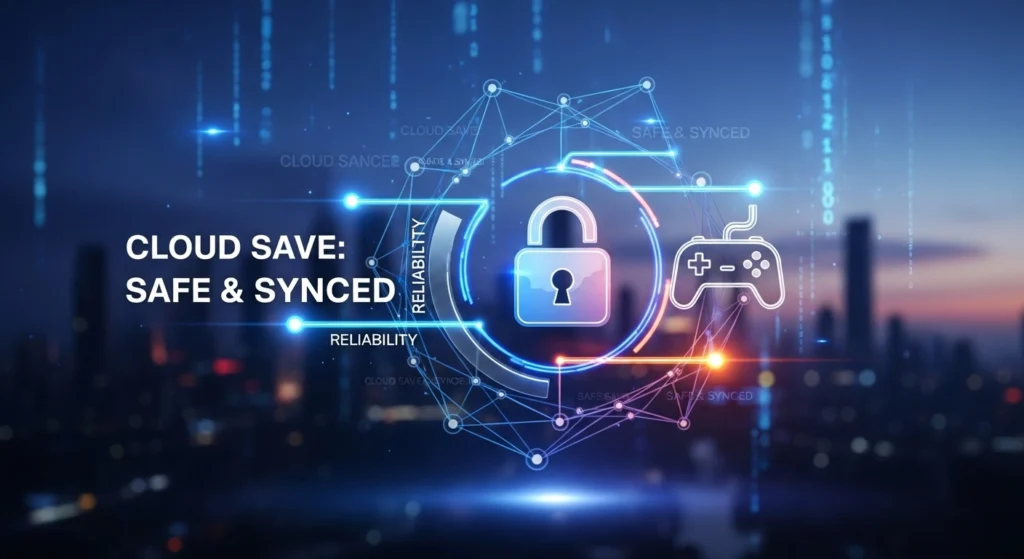
Your save file isn’t floating in plain sight. It’s encrypted in transit and at rest, often replicated across multiple data centers for redundancy. That means even if one server hiccups, your progress isn’t gone. Backups, version history, and integrity checks help prevent corruption and accidental overwrites.
Practical tips for players who want fewer headaches
- Make sure cloud saves are enabled in game settings.
- Sync before switching devices, a manual save/quit helps.
- If you play offline, remember to sync once you’re online to avoid conflicts.
- Keep platform accounts updated and linked (same email, same region) to avoid access issues.
READ MORE: Get Ready to Play: Your Guide to the New Xbox Game Pass Games 2025 🎮
The bottom line – seamless play, if you let it
Cloud save systems are quietly elegant: they combine uploads, smart comparisons, conflict handling, and security to keep your game progress intact across devices. The tech is mostly invisible, but it’s the reason you can switch screens without losing that perfect loadout or hard-won checkpoint. Play on, the cloud’s got your back. ☁️✨


2 thoughts on “How Do Cloud Save Systems Keep Game Progress Synced Across Devices? The Little Tech Tricks Behind the Magic 🎮☁️”