
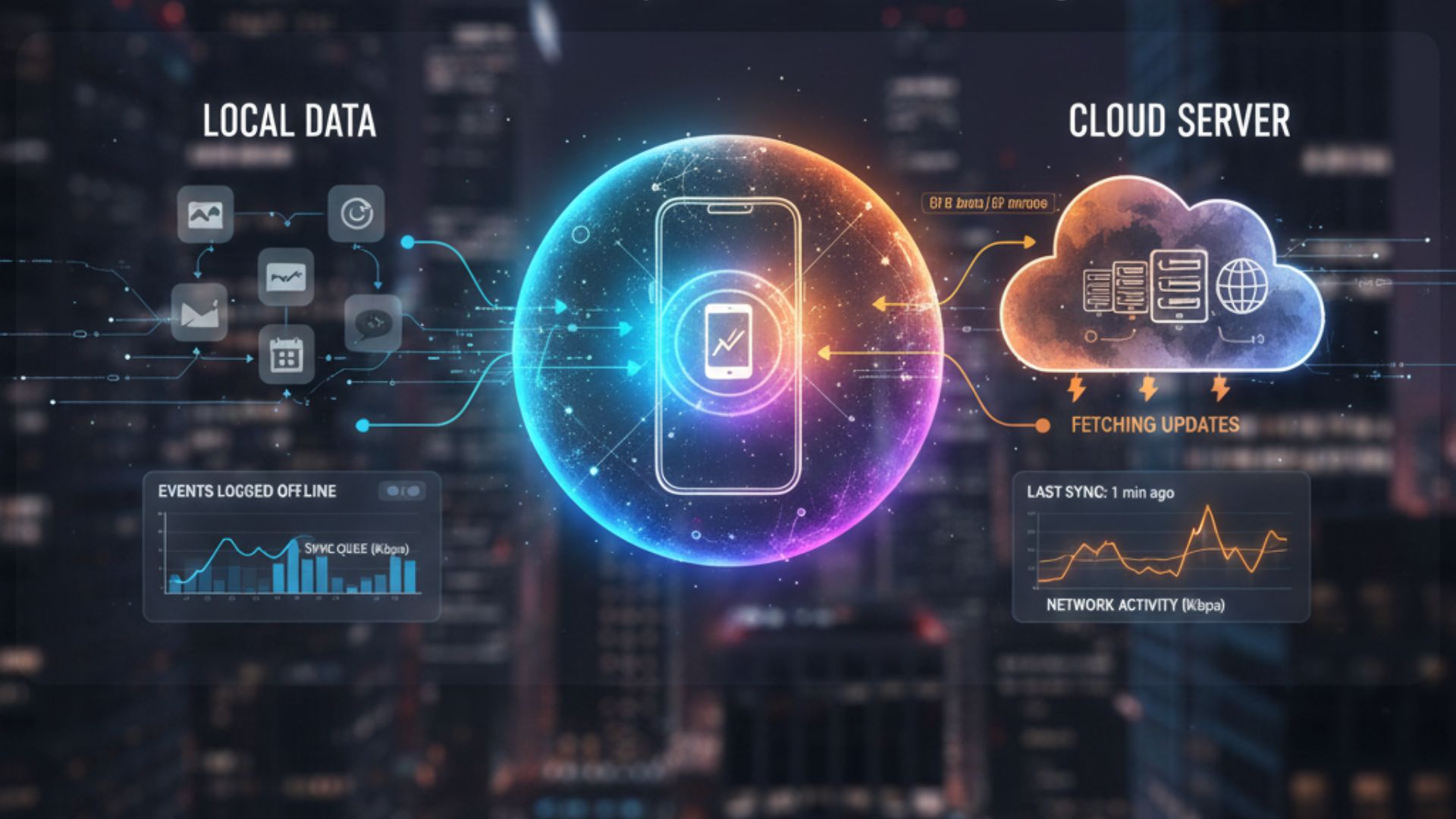
Suppose your apps always look up-to-date the moment you open them. In that case, you’re witnessing how background syncing works explained as the little invisible mechanism that keeps email, messages, playlists, and cloud files fresh without you lifting a finger. Think of it as the phone’s backstage crew: not flashy, but essential.
What “Background Synchronization” Actually Means 🧩
Background Synchronization is simply the process by which apps and your device exchange small bits of data while the app isn’t actively open. Instead of waiting for you to launch the app, your phone performs tiny, scheduled check-ins with servers so content is ready the instant you need it. That’s why your calendar shows today’s meetings, and your podcast progress is remembered across devices.
READ MORE: How Save States Work Explained: the Quick, Nerdy Guide
How Background Syncing Works Explained: The Nuts & Bolts 🔧

Here’s the gossip-level breakdown without the tech lecture:
- Triggers & Windows: The device looks for “good times” to sync, when you’re on Wi-Fi, plugged in, or have a decent battery. These are called trigger events, and they stop apps from draining resources all the time.
- Push vs. Pull: Some services push updates to your device (like a new message notification), while others let the app pull updates at intervals (like social feeds). Both types count as background synchronization.
- Batching & Scheduling: Modern phones batch many small updates together to save power. Instead of ten wake-ups, the OS bundles tasks into one quiet session.
- Local Storage Updates: Once data arrives, apps update local storage or cache so everything appears instantaneous when opened.
Why It Matters: the battery. Convenience, Battery, and Privacy 📲🔒
Background sync makes devices feel fast and alive: your maps preload directions, your fitness app uploads stats, and your cloud-stored photos start backing up without fuss. But there are trade-offs:
- Battery life: Well-behaved apps barely affect it, but some poorly optimized ones can nibble away at battery.
- Data use: Background transfers are usually small, but if an app syncs large files on cellular, it can add up.
- Privacy: Data has to travel between device and server; trusting reputable apps and checking permissions matters.
iOS and Android both enforce strict background limits these days, so most mainstream apps play nice.
Quick Tips to Take Control ✨

- Enable Low Power Mode or Battery Saver to restrict background activity temporarily.
- Set apps to Wi-Fi only for syncing big files like photo backups.
- Audit app permissions and disable background refresh for apps you don’t need constantly updated.
- Keep apps updated: developers often improve background efficiency over time.
The Invisible Engine of Modern Phones 🚀
Understanding how background syncing works explained turns the mysterious “phone magic” into something manageable. It’s the behind-the-scenes orchestra that makes modern digital life feel instant.
By tweaking a few settings and choosing trustworthy apps, you get the convenience without the unwanted battery or data surprises. For folks juggling for the limited data plans or long commutes, a little background-sync housekeeping goes a long way toward a calmer, faster phone.
READ MORE: Windows vs macOS 2025: The Honest Winner Revealed


Just checked out keonhacai18, focusing on (I think) Vietnamese football betting. Seems pretty focused and specific. If you’re into that, could be a good resource. I haven’t looked too deep though. What do you all think?: keonhacai18
Okay, keonhacaifun sounds promising! The name implies a good time, right? I’m all about having fun while placing my bets. Has anyone used it before? Let me know your experiences! Click here for fun: keonhacaifun
Xsmega caught my eye. Seems lottery-focused. I’m not a HUGE lottery guy, but always dream of hitting the big one, haha. Worth keeping an eye on for those mega jackpots! Check it out yourself: xsmega