
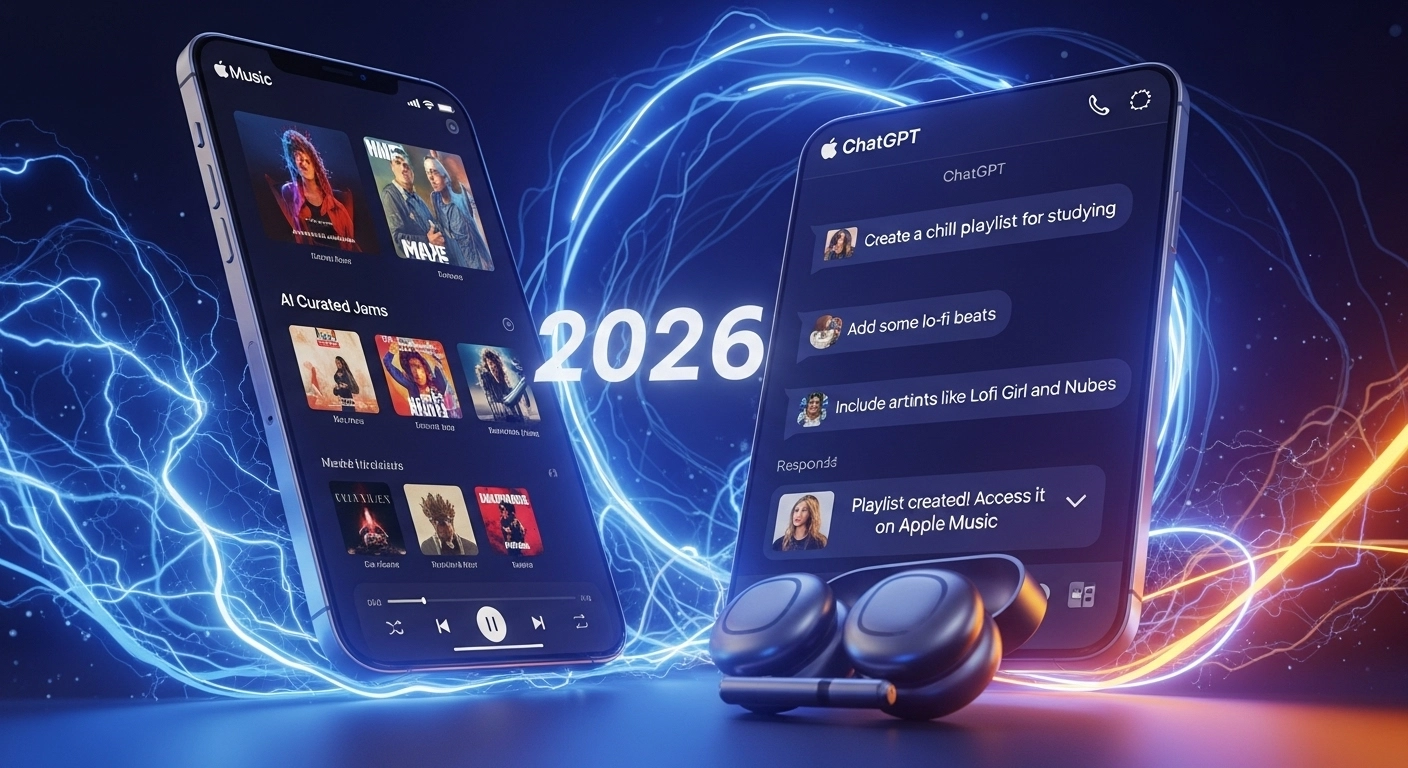
Apple just made music discovery easier: how to use Apple Music in ChatGPT is now a real question with a neat answer. Instead of hopping between apps, you can ask ChatGPT to find songs, suggest tracks, or stitch together a playlist, all from the chat window. This new Apple Music ChatGPT app lives inside ChatGPT’s app directory and connects your Apple account so the bot can search the streaming catalog and build playlists for you.
Why this matters
You don’t need to be a DJ to make a killer mix. Tell ChatGPT the vibe, “chill morning coffee,” “90s alt road trip,” or “high-energy coding,” and it’ll return song picks or assemble them into a playlist for Apple Music. It’s a time-saver and a fun new way to discover tracks you might’ve missed.
READ MORE: Netflix FIFA Game 2026: World Cup Play, No Console Required ⚽🎮
How to use Apple Music in ChatGPT
- Open ChatGPT (web or app) and go to Settings → Apps.
- Find Apple Music in the app directory and choose Connect.
- Log in using your Apple ID and grant ChatGPT permission to browse the Apple Music library. That’s it; now you can ask the ChatGPT playlist maker Apple Music to suggest songs or build a playlist for you. Note: exact menu names can vary by platform.
What you actually get and what to expect
- ChatGPT can search Apple’s catalog and create Apple Music playlists on request.
- If you’re an Apple Music subscriber, the integration is smoother; you can add playlists to your library and play full tracks. Non-subscribers may still get previews and recommendations. Think of it as a smarter helper, not a replacement for your streaming app.
READ MORE: ⚡ FERC Directs PJM — Why the AI Data-Center Power Shuffle 2025 Matters to You
Handy prompts to try
- “Create a 25-song Apple Music playlist for a rainy Sunday.”
- “Find upbeat indie tracks like [artist name] and build a workout playlist.”
- “Make a playlist with songs from 2000–2010, with a tempo around 100–110 BPM.” These turn-of-phrase prompts help ChatGPT understand mood, era, and energy, and it will return a sharable playlist you can open in Apple Music.
Quick tips & privacy notes
- Be explicit: include mood, decade, or activity for better results.
- ChatGPT doesn’t automatically ingest your listening history; you control what you share. If you want the bot to match your tastes, tell it a few favorite artists or playlists.
READ MORE: Genesis Mission: Supercharge U.S. Science With Bold AI 🚀
This feels a bit like having a personal music curator in your pocket; ask it to remix your moods, and you might rediscover favorites you forgot you loved.


Casino Plus download? You know I’m all in! Easy to grab the APK. Hope the RNG gods will be kind today. Fingers crossed! casino plus download
Heard good things about s666xtin, checking them out now. Seems pretty legit. Check it out here: s666xtin
Downloaded the slotphappapk app – really enjoying the mobile experience! Great selection of games and runs smoothly. Check it out here: slotphappapk