
Apple has officially rolled out iOS 26.2 Update, the latest iPhone software update in the iOS 26 lifecycle, and while it isn’t a dramatic redesign, it delivers thoughtful refinements that directly respond to user feedback. Building on the visual overhaul introduced with iOS 26 and adjusted in iOS 26.1, this update focuses on usability, customization, and security—without abandoning Apple’s long-term design vision.
Liquid Glass Gets More Control in iOS 26.2 Update
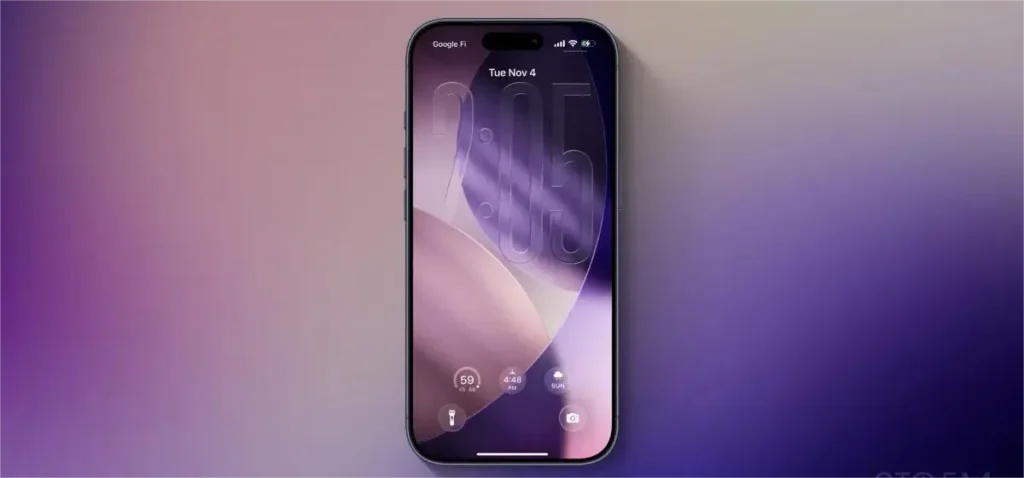
The headline feature in iOS 26.2 is expanded control over Liquid Glass transparency. Originally launched with iOS 26, Liquid Glass introduced semi-transparent UI elements that refract light, giving the interface a glass-like feel. While visually striking, many users felt the effect reduced readability.
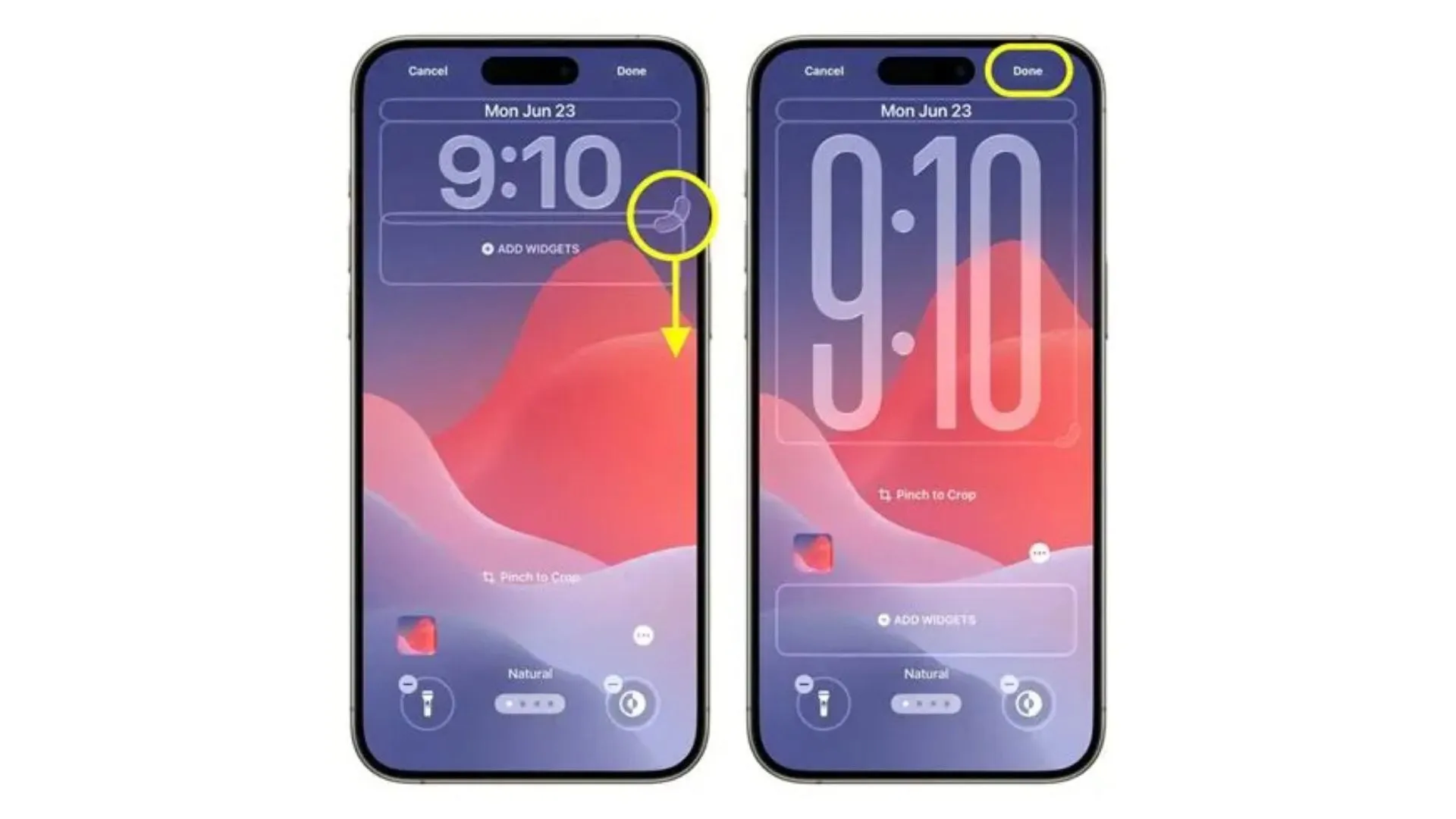
After Apple added a global opacity slider in iOS 26.1, this iPhone update goes further by allowing users to independently adjust the Lock Screen clock’s transparency. You can now fine-tune how “glassy” the time appears or disable the effect entirely using the Solid option. This granular customization shows Apple’s willingness to refine its design rather than force it.
READ MORE: Nvidia H200: The AI Chip Crisis Everyone’s Talking About 🚨
Notably, these changes arrive alongside leadership shifts within Apple’s design team, with interface-focused designer Stephen Lemay taking over after Alan Dye’s departure—suggesting a renewed emphasis on usability.
Smarter, Safer AirDrop Sharing
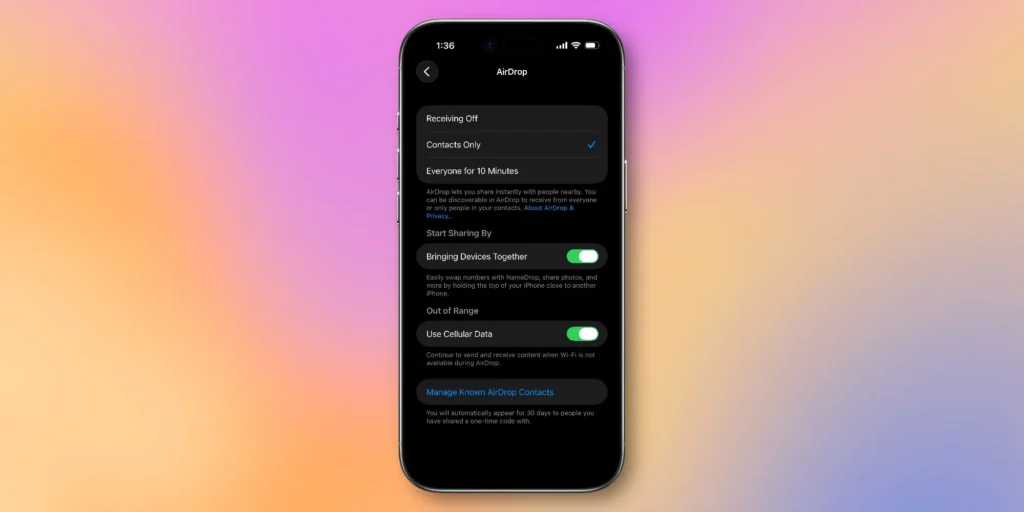
Another major improvement in iOS 26.2 is enhanced AirDrop security. Users can now generate a temporary AirDrop code to share files with people outside their contacts. Once entered, the recipient becomes a trusted AirDrop contact for 30 days.
This feature makes sense for workplaces, events, or short-term collaborations and adds peace of mind by reducing accidental sharing—an important evolution in iPhone software privacy.
Productivity and Media Upgrades
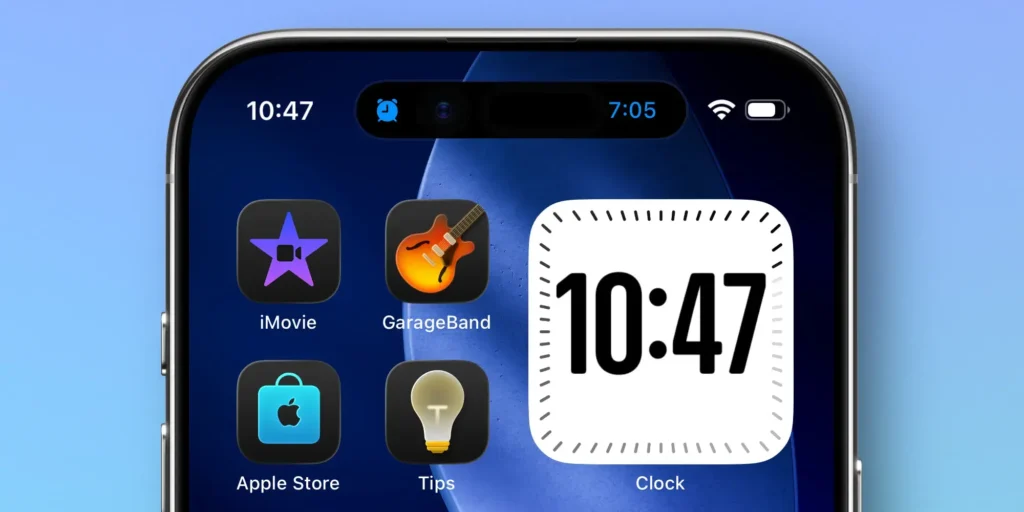
Apple also packed this iPhone software update with quality-of-life improvements:
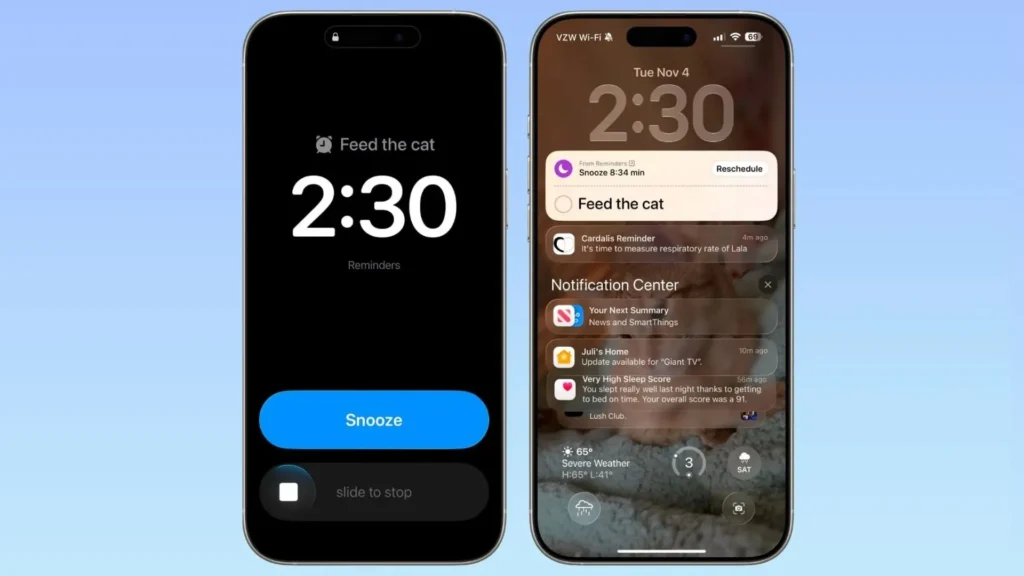
- Reminders alarms: Mark a task as “Urgent,” and it behaves like a real alarm with snooze options and Live Activity tracking.
- Apple Music offline lyrics: View lyrics without Wi-Fi or cellular data.
- Podcasts enhancements: AI-generated chapters, podcast mentions, and timed links improve navigation and discovery.
- Apple News redesign: A new Following tab and quicker access to key categories streamline reading.
READ MORE: Intel ACM Research Test: Just a Tool Test 🔍 or a Sanctions Side-Step? 🚨
Security, Stability, and Compatibility
Under the hood, iOS 26.2 addresses more than 20 security vulnerabilities, including actively exploited WebKit flaws. Apple strongly recommends updating, as this iPhone update also fixes issues related to Apple Music playback and enterprise privacy settings.
Best of all, iOS 26.2 is available on all devices that support iOS 26, making it an easy and worthwhile upgrade.
Final Thoughts
While subtle, iOS 26.2 is a clear sign that Apple is listening. By refining Liquid Glass instead of reversing it, this update balances innovation with real-world usability—making it one of the most user-focused releases in the iOS 26 series so far.
READ MORE: Nvidia Location Verification: Cracking Down on Chip Smuggling 🤔


2 thoughts on “iOS 26.2 Update Explained: Powerful iPhone Software Improvements That Refine Liquid Glass”