

If your phone suddenly shows “SOS” or your texts aren’t sending, you’re not alone, a major verizon outage hit thousands of U.S. customers on January 14, 2026, knocking out voice and data for large swaths of the country while Verizon worked on a fix.
What happened
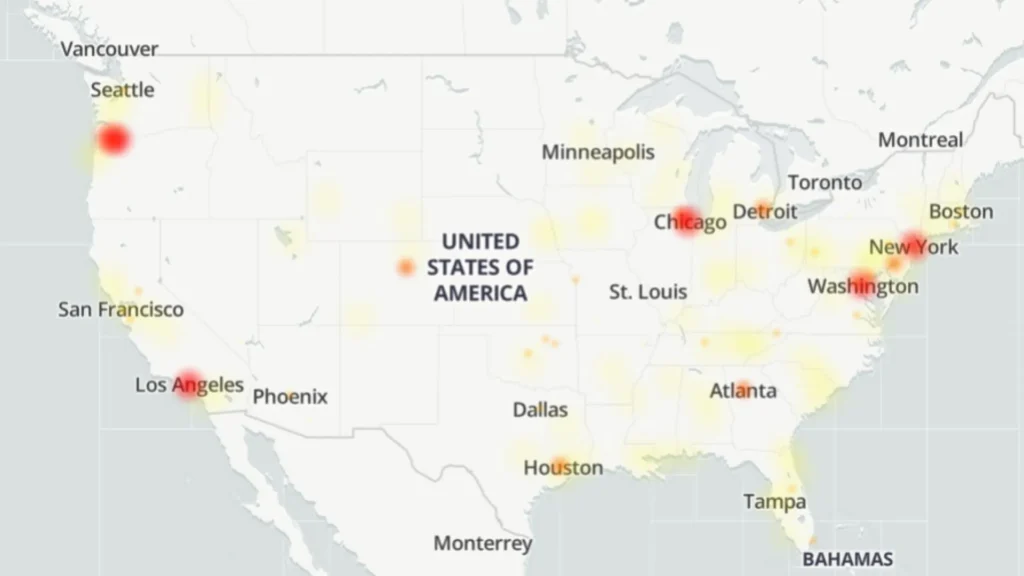
Reports to outage trackers spiked into the hundreds of thousands at the peak, and Verizon confirmed engineers were investigating the problem. Many users saw phones drop into verizon sos mode, which means emergency calls still work but normal service does not.
READ MORE: Apple Creator Studio’s Hidden Lock-In Risk
Quick things to try if Verizon is down
- Toggle airplane mode on/off and reboot your phone (old-school but often useful).
- Try removing and reinserting your SIM card if you’re comfortable doing that.
- If you’re on Wi-Fi, switch to Wi-Fi Calling in settings so you can still make voice calls.
- For iPhone users seeing SOS: check if Messages via Satellite popped up and follow Apple’s prompts (only for supported models). These are short steps to get you connected or at least work around the outage while networks recover.
How to check verizon outage status
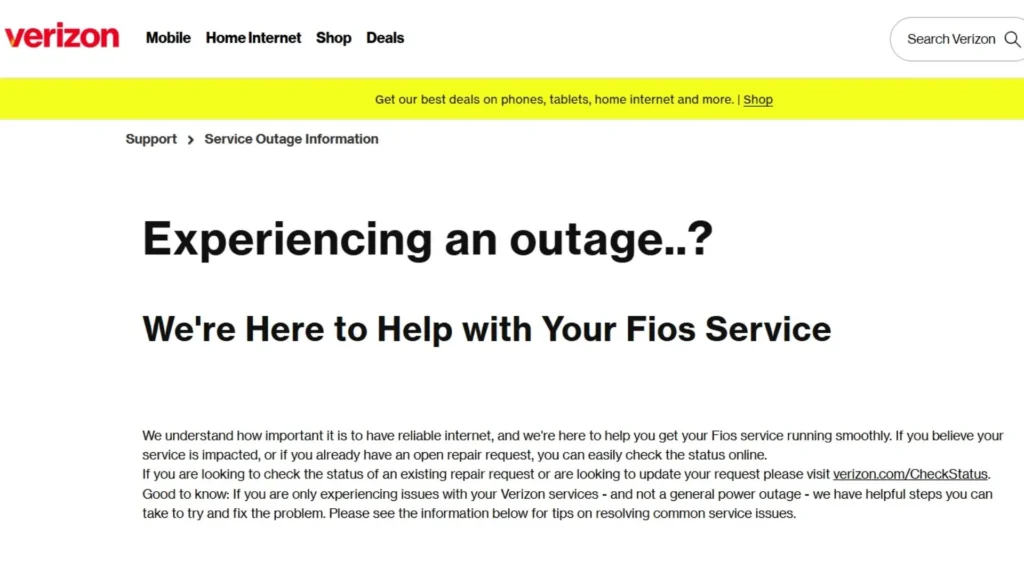
Downdetector for user reports, Verizon’s official status page or social channels for company updates, and major tech outlets for context. If Verizon’s status page itself is slow (it happens), Downdetector and live news threads are your friend.
READ MORE: Why Your LEGO Pokemon Sets is a Quiet Compromise 2026
Should you panic?
Outages are annoying and sometimes long, but they usually resolve once engineers patch the issue. If you rely on mobile service for work, have a backup plan: Wi-Fi hotspots, a secondary carrier, or landline options. If you need emergency help, SOS mode still allows emergency calls.
When verizon outage today headlines pop up, check Downdetector and Verizon’s official channels, try the simple reboot/SIM/Wi-Fi calling fixes, and lean on Wi-Fi if you can. Keep calm — and meme responsibly while the network catches up. 😉