

Ever wonder what affects wireless signal strength in your home or office? You’re not alone; it’s the kind of tiny tech mystery that turns calm people into router detectives. In plain terms, wireless signal strength is how well your Wi-Fi reaches your device. But the reasons it fades, drops, or performs like a caffeinated squirrel are a mix of physics, hardware choices, and a little domestic drama. Let’s gossip about your wireless signal and give you real, usable fixes. 📶
What affects wireless signal strength: distance and obstacles
The most obvious culprit is distance. Wi-Fi radios send out electromagnetic waves; the farther they travel, the weaker they get. Put your device two rooms away, and you’ll likely see lower signal strength than when you’re in the same room as the router. Add in obstacles, walls, floors, metal studs, and thick mirrors, and the signal takes even more of a hit. Concrete and brick are especially hungry for those precious packets.
READ MORE: What Causes Bluetooth Interference and How to Fix It Fast 🎧
Interference: your devices are rude
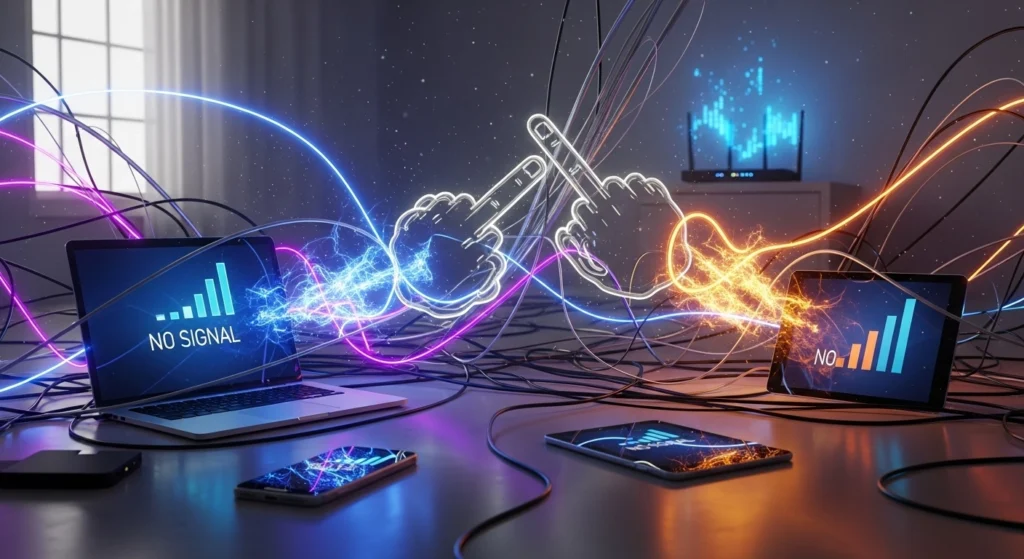
A Wireless signal doesn’t travel in a vacuum. Microwaves, baby monitors, cordless phones, and Bluetooth gadgets all operate in similar frequency bands and can interfere with your Wi-Fi, lowering effective signal strength. If you live in an apartment, neighboring networks crowd the airwaves too. That’s why your serene Netflix binge sometimes turns into a buffering horror show during prime time.
Router placement and hardware choices matter
Where your router sits is a huge factor. Tucked-away routers behind furniture or on the floor will give you a worse wireless signal than one placed high and central. Antenna direction, router age, and whether you use dual-band (2.4 GHz + 5 GHz) or tri-band routers also shape signal coverage. 2.4 GHz travels farther but is slower and more interference-prone; 5 GHz is faster but weaker at long range. Newer Wi-Fi standards (like Wi-Fi 6) improve signal handling and device density, but they won’t break through a concrete wall.
READ MORE: Why do smart home devices lose connectivity, and how to stop the drama 😅🏠
Network congestion and device behavior
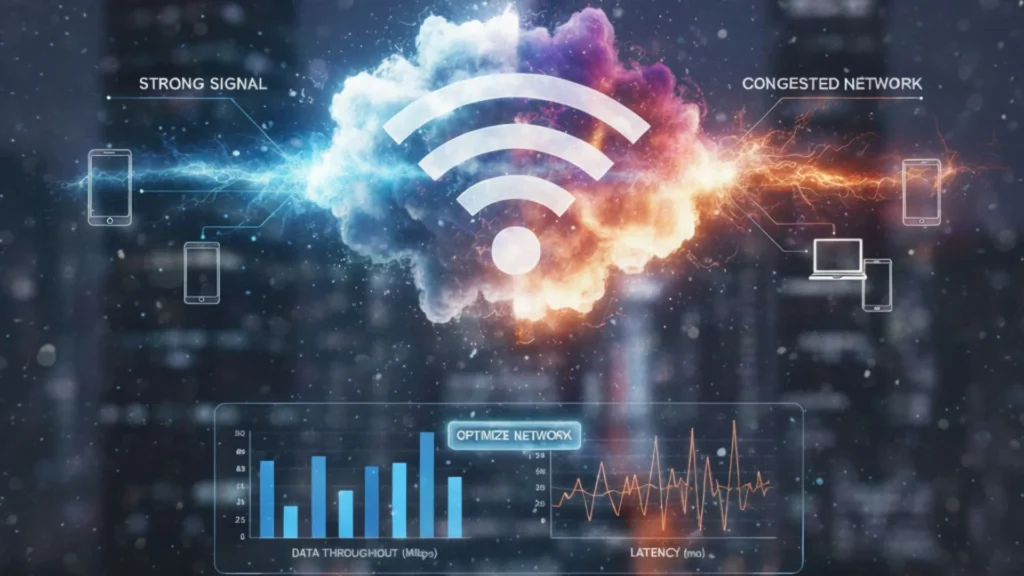
Signal strength isn’t just about raw power; it’s about how many devices are speaking at once. Too many active devices, background updates, or cloud backups can hog bandwidth and reduce perceived signal performance. Some devices are chatty (IoT gadgets), constantly asking the router for attention, which hurts everyone else’s experience.
Environmental and physical quirks
Surprising things can affect your wireless signal: large metal appliances, aquariums, and even foil-lined insulation reflect or absorb radio waves. Seasonal changes like humidity can slightly alter performance, and reflective surfaces can create weird signal echoes (multipath interference), making reception less reliable.
READ MORE: Apple AirPods Pro 3: Big Insider Details on the 2025 Update 🎧
Quick fixes that actually help ✨
- Move your router to a central, elevated spot, away from thick walls and metal objects.
- Switch bands: use 2.4 GHz for range, 5 GHz for speed. Let devices that need fast throughput use 5 GHz.
- Change channels: in crowded areas, pick a less-used Wi-Fi channel in your router’s settings.
- Upgrade firmware and consider a modern router (Wi-Fi 6) if yours is ancient.
- Use mesh Wi-Fi or a wired access point for large homes; they distribute wireless signal more evenly.
- Limit bandwidth hogs during peak times (disable auto-backups or schedule them overnight).
Small tweaks, Big gains
Understanding what affects wireless signal strength turns guesswork into practical action. Often, a few strategic moves, relocation, band management, or one small hardware upgrade can change your Wi-Fi from flaky to flawless. Think of your wireless signal like a party: pick the right location, keep the crowd manageable, and kick out the noisy guests when needed. Your streaming self will thank you. 🍿
READ MORE: Top Smart Home Devices for Better Sleep: 5 Simple Tech That Actually Helps😴✨