

Ever wonder why automated workflows break unexpectedly, that “it worked yesterday” mystery? I get it. I’ve watched neat automations nosedive over tiny changes, and the good news is most failures aren’t mystical; they’re predictable. In this quick, friendly guide I’ll walk you through the big causes, practical fixes, and a tiny playbook you can use today to stop surprises. 🤖☕️
Why automated workflows Break Unexpectedly

Automations sit between people, data, and platforms, so when any one of those moves, things can snap.
- Credentials and permissions. Tokens expire, passwords change, or admins tighten security. When auth breaks, the workflow can’t even start.
- Input drift. A new CSV column, a changed date format, or slightly different JSON will break parsers and rules that assumed “the old shape.”
- Platform hiccups and rate limits. Vendor outages or throttling can kill runs midstream. It’s annoying but common.
- Too much complexity in simple tools. Low-code tools are lovely until you push them past their limits, then they fail in confusing ways.
READ MORE: Why Scheduled Tasks Fail and How to Fix Them Fast
Prevent breaks before they happen
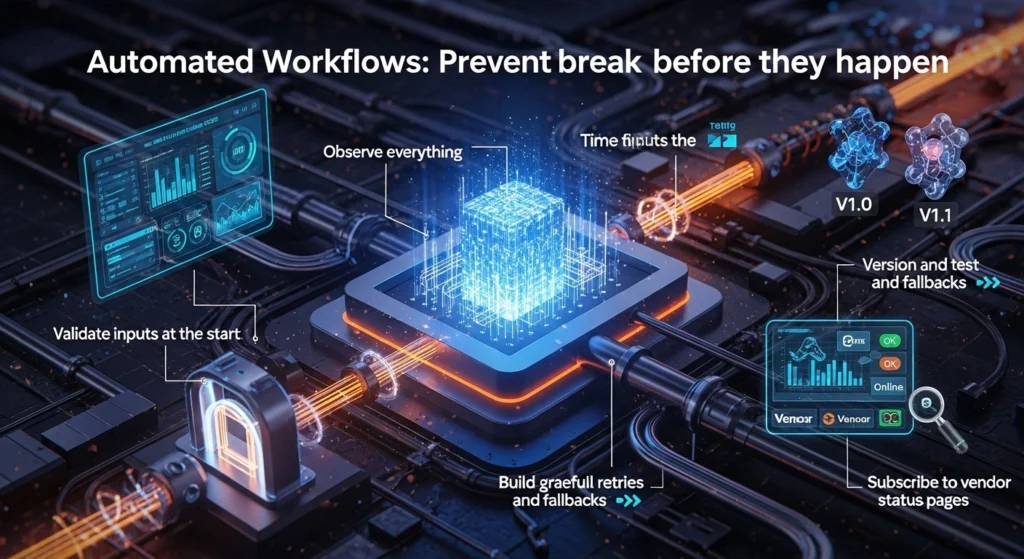
Here’s a short, usable checklist I use when I’m babysitting automations. Small effort, big payoff.
- Observe everything. Enable run history, structured logs, and alerts for failed steps. If you can’t see the error, you can’t fix it.
- Validate inputs at the start. Reject or reroute bad data before it pollutes downstream steps.
- Build graceful retries and fallbacks. Retries with backoff, and a human-in-the-loop path for edge cases, cut failures down dramatically.
- Version and test changes. Treat automations like code: version them and test with staging or shadow traffic.
- Subscribe to vendor status pages. If the platform is having issues, you’ll want to know immediately.
READ MORE: How do webhook triggers work in workflow automation
Make reliability part of the system
Think of automation as maintenance work, not magic. When you add monitoring and small corrective patterns, validation, retries, and version control, your automations stop being drama magnets and start behaving like dependable teammates.
A tiny habit that helps: whenever a workflow fails, log the root cause and add a small test that would catch that failure next time. Over weeks that becomes a robustness library that saves you time and headaches.
READ MORE: Essential AI Automation Guide 2025 — Transformative Wins
Automation should free people up, not make them troubleshoot. Build for failure, observe runs, and keep things simple where you can, your future Monday-morning self will thank you. 🙌