

Scheduled tasks are supposed to be the quiet elves of your IT life: they run at night, do the heavy lifting, and vanish. So when something silently breaks, it’s baffling. This guide explains why scheduled tasks fail, in plain English, with practical fixes you can try today. 🛠️
Quick reality check: what’s actually going wrong
When a scheduled job doesn’t run, it’s rarely mystical, most failures come down to a handful of repeat offenders: permissions, environment differences, timing, or missing dependencies. Think of a scheduled task like a recipe: if one ingredient or instruction changes, the cake won’t bake the same way.
READ MORE: How do webhook triggers work in workflow automation
Top reasons about why scheduled tasks fail and quick fixes

1. Permissions and account problems
If the account that runs the task lacks rights, the task will start and then choke. On Windows, check Task Scheduler’s “Run as” account and whether the password changed. On Linux, cron jobs run under specific users—confirm the user has access to files and commands.
Fix: Use dedicated service accounts with the minimal needed permissions and update stored credentials when passwords rotate.
2. Wrong working directory or PATH differences
Scheduled tasks often run with a different working directory or environment variables than when you run them interactively. If your script expects relative paths or relies on a PATH entry, it may fail.
Fix: Use absolute paths in scripts and explicitly set environment variables at the top of the job.
3. Missing dependencies or network resources
Jobs that pull data from network shares, databases, or APIs can fail if the resource is offline or credentials expired. Cloud APIs and token expirations are common culprits.
Fix: Add dependency checks in the script (retry logic, health checks) and monitor the external service availability.
READ MORE: Essential AI Automation Guide 2025 — Transformative Wins
4. Conflicting schedules and overlapping runs
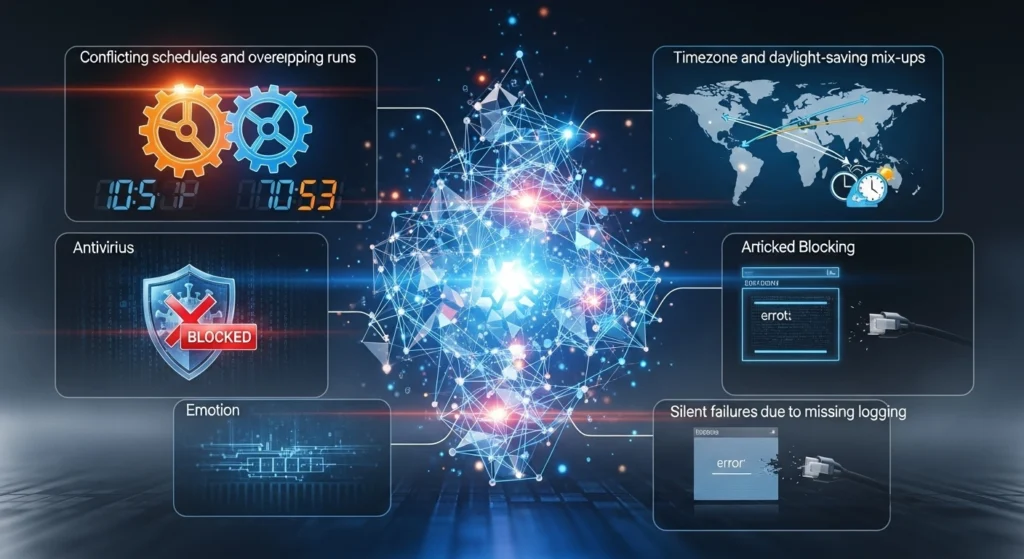
If a long task starts again before the previous run finishes, it may collide with locks or temp files. That’s especially common with backups and ETL jobs.
Fix: Build lock files or check-for-running-process logic; set schedules so runs don’t overlap.
5. Timezone and daylight-saving mix-ups
A job scheduled for “2:00 AM” might mean something different when daylight saving time changes. Servers in different time zones amplify this problem.
Fix: Use UTC for scheduling in distributed systems, or explicitly handle DST transitions.
6. Antivirus or security blocking
Security software sometimes blocks scripts or executables it hasn’t seen. The task appears to start but gets terminated.
Fix: Whitelist trusted scripts and monitor security logs when troubleshooting.
7. Silent failures due to missing logging
If your jobs don’t write logs, you’ll be guessing. A script that swallows errors is a nightmare to debug.
Fix: Add robust logging and exit codes. Redirect stdout/stderr to log files and rotate them.
READ MORE: Powerful AI Video Generators: The 2025 Guide to Automated Content Creation
Prioritize easy wins

Start with the basics: check logs, confirm the account and password, run the task manually under the same user, and verify paths. Add small, defensive changes—absolute paths, retries, clear logging—and you’ll stop most failures before they become mysteries. ✨
Schedule maintenance like a gossip column: pay attention to what changed. A Windows update, a token expiry, or a changed share name often tells the whole story. Keep tasks observable, and they’ll behave like the reliable little elves they were meant to be.


One thought on “Why Scheduled Tasks Fail and How to Fix Them Fast”