
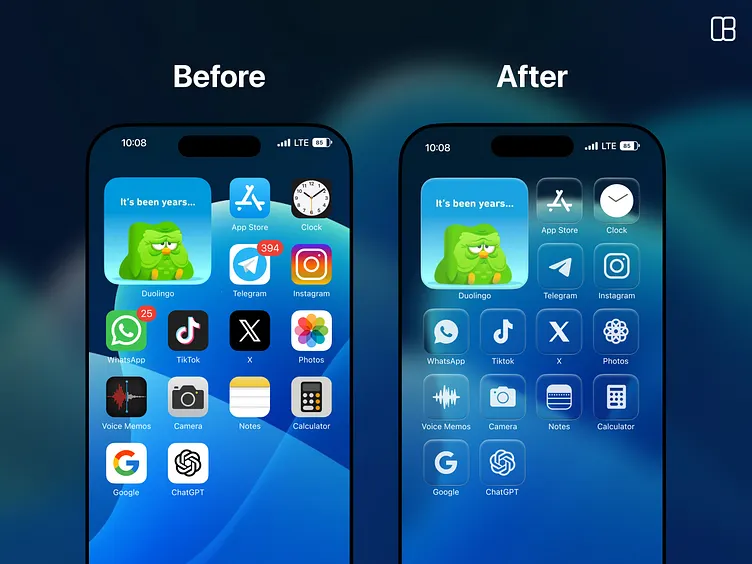
The journey from iOS 26 to iOS 26.2 highlights Apple’s evolving approach to modern iPhone software. Instead of sweeping changes, Apple is delivering targeted improvements that make daily iPhone use smoother, safer, and more customizable. This latest iPhone software update, released on December 12, shows how incremental updates can still feel impactful.
Liquid Glass: From Bold Design to Practical Refinement
When iOS 26 launched, Liquid Glass became the defining visual feature. Buttons, menus, notifications, and even the Lock Screen clock adopted a semi-transparent look meant to modernize Apple’s ecosystem and hint at future devices like AR or AI glasses.

However, not everyone loved it. Readability issues quickly surfaced, prompting Apple to introduce a frosted-style opacity slider in iOS 26.1. With iOS 26.2, Apple refines the concept further by allowing users to independently adjust the Lock Screen clock’s transparency.
READ MORE: New AAA Alien Game Rumor: 2028 Release & Ripley 8?
This approach preserves the design language while giving users control—an important balance for a mass-market iPhone update.
Security and Sharing Improvements
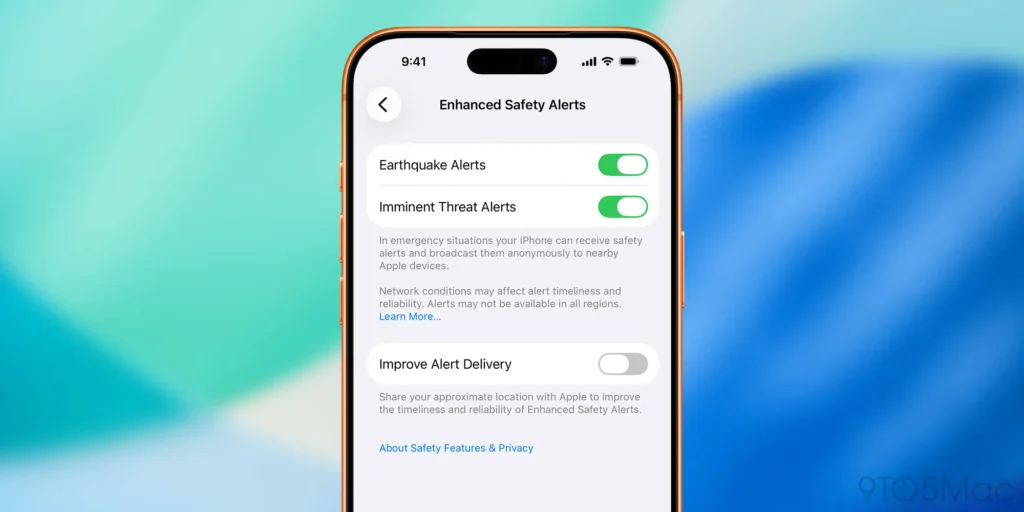
Beyond visuals, iOS 26.2 significantly strengthens sharing and safety features:
- AirDrop verification codes allow secure file sharing with non-contacts for 30 days.
- Enhanced Safety Alerts (U.S. only) provide rich emergency information, including maps and guidance.
- Flash for Alerts now supports screen flashes, improving accessibility for hearing-impaired users.
These additions make iPhone software more inclusive and secure without adding complexity.
App-Level Enhancements That Matter
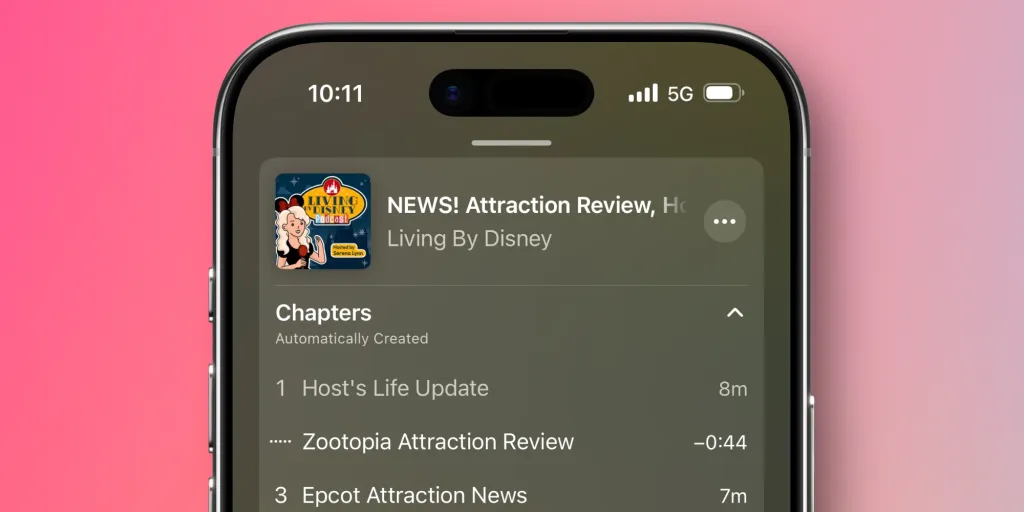
Apple focused heavily on built-in apps in this iPhone software update:
- Reminders now supports true alarms for urgent tasks.
- Freeform adds structured tables for planning and collaboration.
- Passwords lets users manage sites where credentials aren’t saved.
- Apple Music introduces offline lyrics and improved playlist surfacing.
- Games app gains better sorting and controller support.
READ MORE: Crucial watchOS 26.2 Update: Apple Watch Sleep Fix! ⏰😴
Each update may seem small alone, but together they meaningfully improve daily workflows.
Regional and Platform-Specific Changes
iOS 26.2 also introduces region-specific changes, particularly in Japan, where users can select alternative voice assistants and install third-party app stores. Meanwhile, AirPods Live Translation expands to the EU, and iPadOS 26.2 restores advanced multitasking features removed earlier in the cycle.
Why Updating to iOS 26.2 Matters
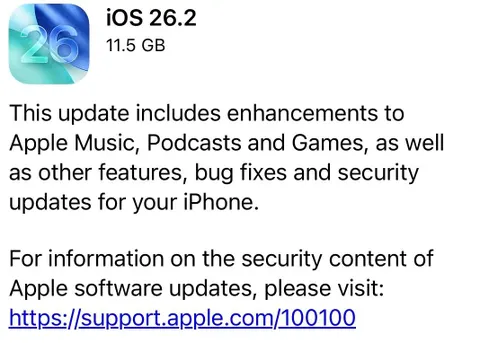
With over 20 security fixes—including known exploits—this iPhone update isn’t just about features. It’s about protection. Apple recommends updating immediately to safeguard personal data across iOS, iPadOS, and macOS.
READ MORE: iOS 26.2 Update Explained: Powerful iPhone Software Improvements That Refine Liquid Glass
iOS 26.2 proves that Apple doesn’t need radical changes to deliver value. By refining Liquid Glass, strengthening security, and enhancing core apps, this iPhone software update makes iOS 26 feel more complete, polished, and user-friendly.


Another lottery site, looks like (Vietlott this time): kqvietlottminhngoc.com. Probably good for checking results. I’m mostly here to check the result instead of playing. What about you guys? See the results: kqvietlottminhngoc
Vietlottpower… another Vietlott site! I hope I win the Powerball jackpot! This one could be worth checking weekly if you’re into that kinda thing. Dreams of wealth!!!: vietlottpower
And the final lotto site…xsvietlot.com. I swear I’ll get lucky one day here. Fingers crossed. Anyone else chasing the dream here?: xsvietlot
The app version is a game changer. I can play anywhere now and the loading times are almost instant. If you want a seamless experience go for magojiliapp